
One hint
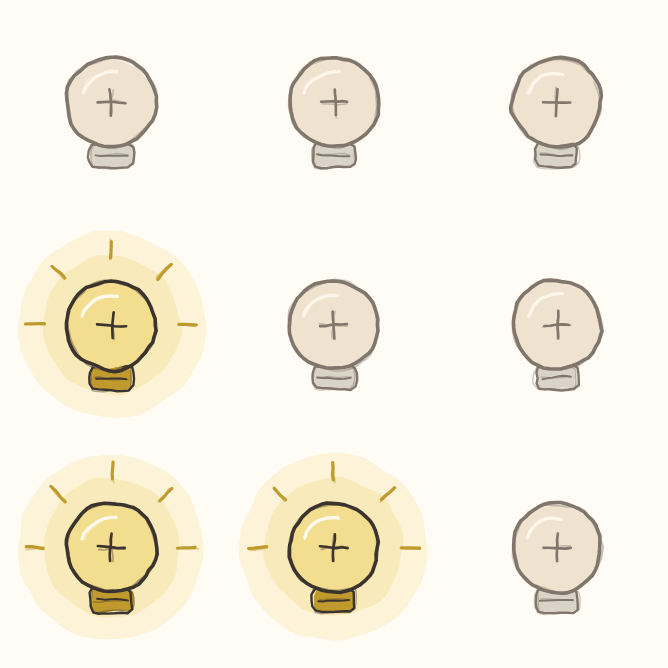
The game shows one next step.
A × flips corner neighbours
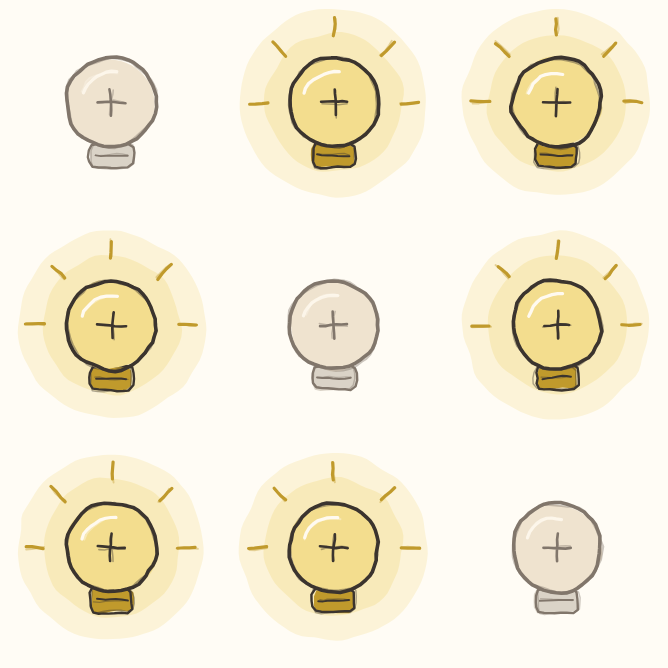
The picture shows a classic Lights board. A Diagonal pack uses the × rule below.
In a Diagonal Lights pack, a tap flips the light you touch. It also flips its corner neighbours: up-left, up-right, down-left and down-right. Only squares on the board count. It does not flip side neighbours.
On turns off. Off turns on. The × marks this rule. Do not use the side-neighbour rule from a classic Lights board. Turn every light off to finish.
Think of a checkerboard
Picture two colours, like a checkerboard. Corner neighbours have the same colour. A diagonal tap changes only its own colour. It never changes the other colour.
You can think about those two groups apart. But a tap may change several lights within its group. This does not mean every made-up pattern of lights has an answer.
List one tap's lights
Choose a switch to think about. Find its own light. Then find its corner neighbours on the board. Those are the lights the tap will flip.
Now check a second possible tap. Does it reach any of the same lights? A shared light will flip twice if you use both taps. Those two flips cancel.
Track shared flips
One planned tap may turn a light on. Another may turn it off again. That can be part of a useful plan. Track which lights each tap reaches.
At the end, inspect every light. Do not stop after clearing just one group. The whole board must be dark.
Use the rule on your board
A dark square can still be a useful switch. Two flips cancel. One flip changes a light. You do not need fewer lights on after every tap.
In Diagonal, a tap below a light does not flip that light above it. Duplicate taps still cancel. Tap order still gives the same final board. But the group each tap flips is different from classic Lights.
Put the idea into practice
Try a little puzzle.
A small browser example of the rules, with hints if you need them.